 FREE
FREE
Gumroad Discover
Mäag EQ4 Max4Live Wrapper
by AnyChannelAudio
FREE
Hi,
You’re about to obtain one of my bidirectional MaxForLive wrappers. I truly believe this will have a profoundly positive impact on your workflow in Ableton Live.
This one is free. Enjoy!
What can I do with this?!
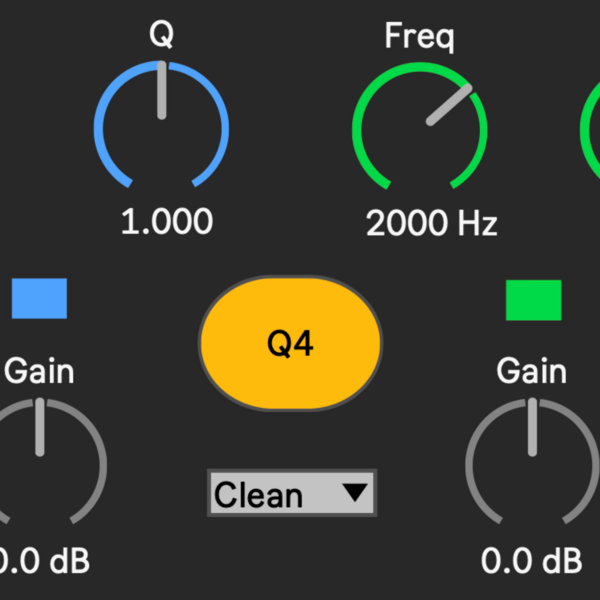
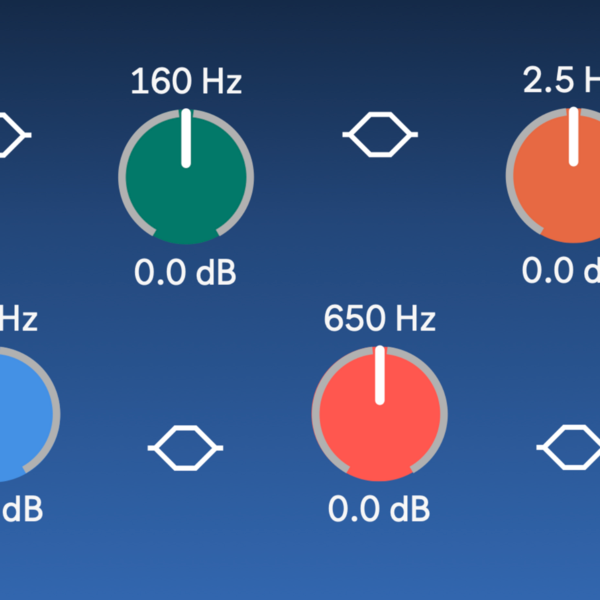
This device enables you to control Mäag EQ4's knobs and dials from Ableton’s interface.
Installation
- Move the downloaded .amxd file(s) into Live’s Max for Live folder:
/Users/User/Music/Ableton/User Library/Presets/Audio Effects/Max Audio Effect/Mäag-EQ-Wrapper.amxd
(Tip: You can also open this folder by right-clicking any Max for Live device in Ableton’s browser and selecting “Open in Finder”.) - Done. Load the wrapper onto any track.
Important Notes
- You must own Mäag EQ4 by Brainworx to make use of the wrapper.
- Currently, most of my wrappers support VST3 only.
- I've only tested on mac and Ableton 12.
Get Free on Gumroad
External product — purchased and fulfilled by Gumroad.